
This is a step-by-step guide for installing Node.js on a Windows machine.
What is Node.js?
Node.js is a mutli-platform open-source software that executes JavaScript codes on both backend (server-side) and frontend (interface side).
Installation steps
Step 1 — Get Node.js installer for Windows
To install Node.js we must access the Node.js download page (https://nodejs.org/en/download/).
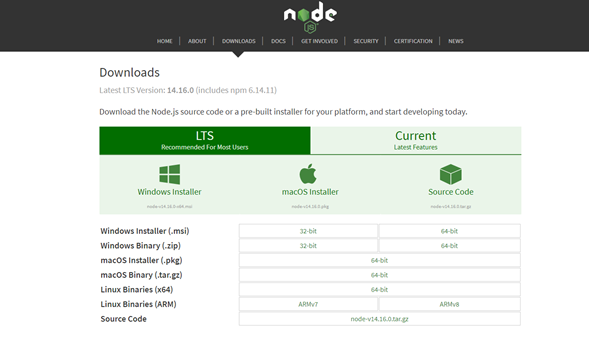
To start the download of the Node.js installer for Windows, we must press the link with the Windows Icon.
The download will start.
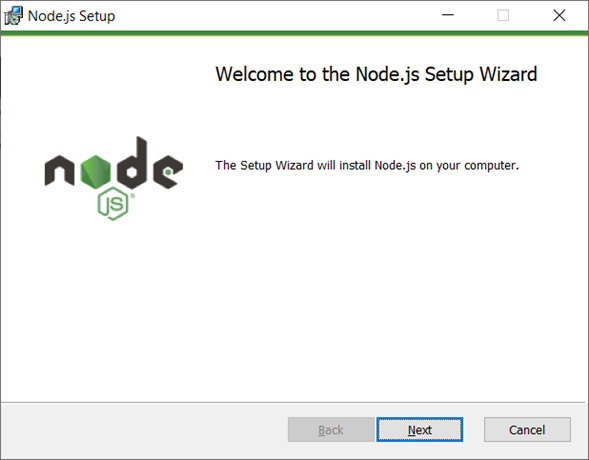
When we execute the installer, it will do an initial check for space requirements.
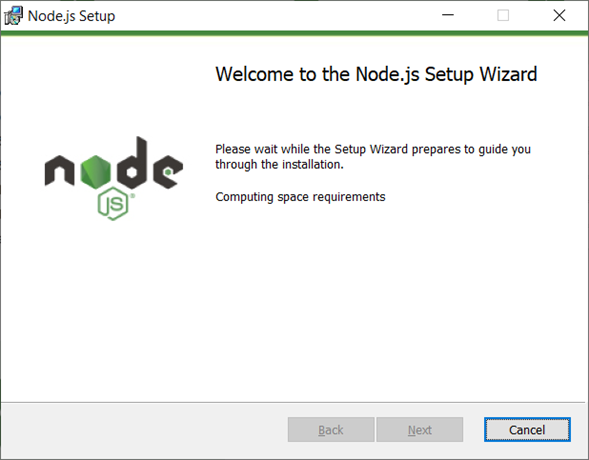
Then, if all is OK, it will ask us to press the Next button to continue.
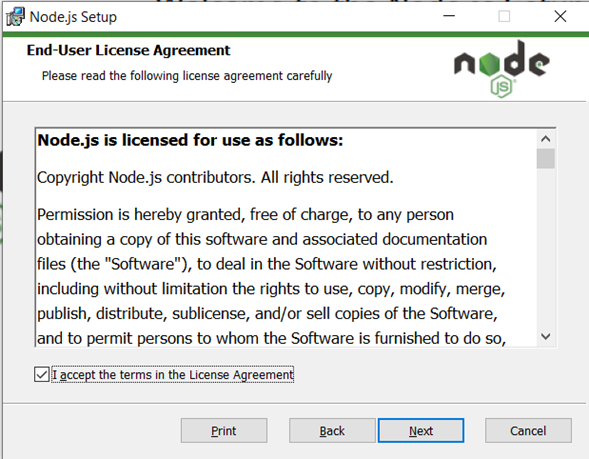
Now we are on the End-User License Agreement screen, we must (read all, then) check the I accept option and press the Next button for the next screen.
Now we are on the screen to choose the folder where we will install the Node.js files.
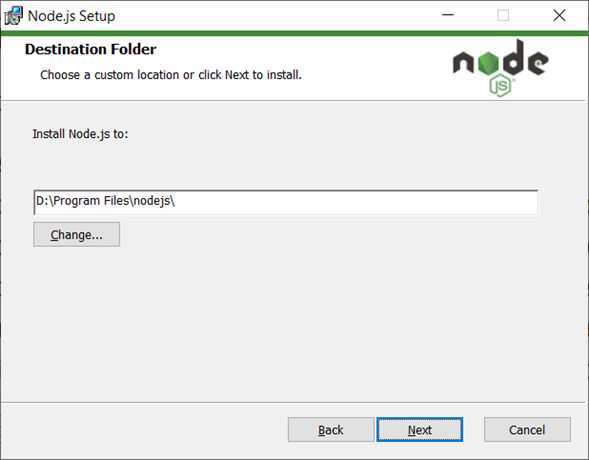
After choosing the folder, we must press the Next button.
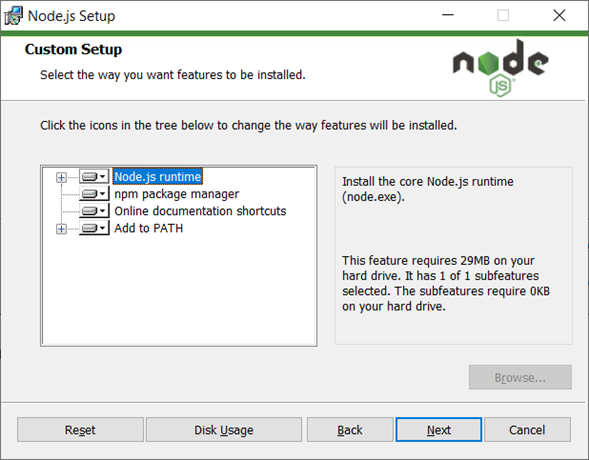
On the Custom Setup screen, we will choose the features to install an configure. It is advisable to check all. To continue, we must press Next button.
On the Tools for Native Modules we should check the option to automatically install necessary tools.
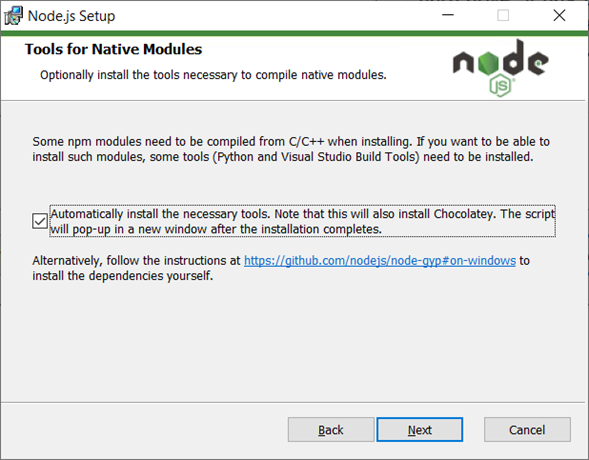
Then, we should press Next button (again).
At the end, everything is ready to start the Node.js installation. We should press the Install button.
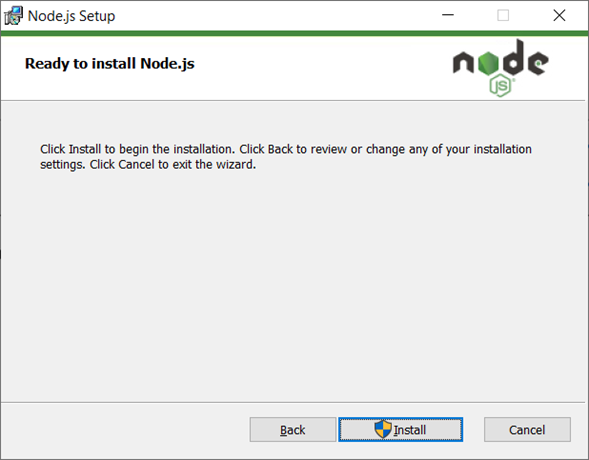
The installation will start.
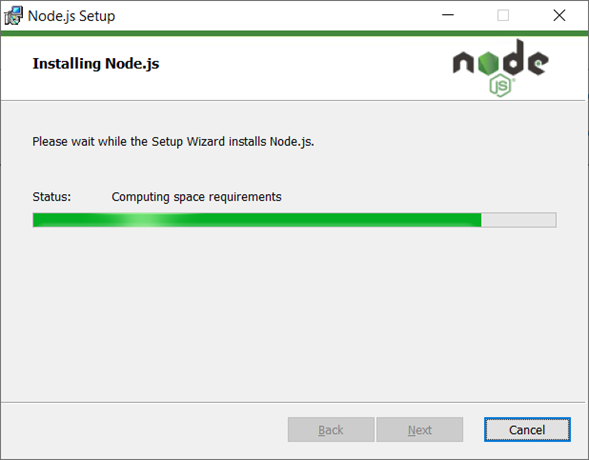
At the end we will see a screen with the information that Node.js was successfully installed.
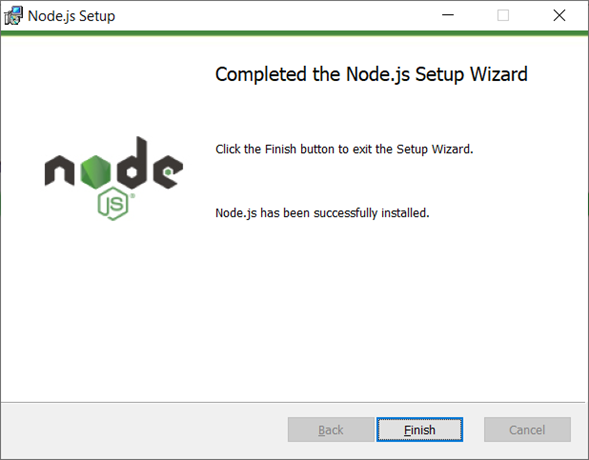
After pressing the Finish button, the Tools for Node.js Native Modules Installation Script will start.
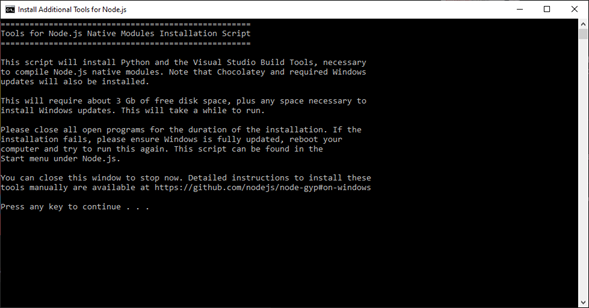
At the end of the installation, we are ready for working with Node.js.
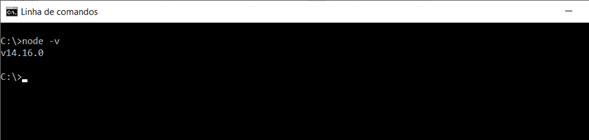
To check if the Node.js is installed, we can run the following command on a Command Prompt window.
node -vWe will see the current installed version.
If you are new to Ruby on Rails I hope you have found this article useful.
I am currently working at Runtime Revolution. We are a team of developers that work from sunny Lisbon, Portugal, and New York City to everywhere.
We focus on delivering and maintaining the best possible products to our clients, while having fun, learning and helping each other.