

Being part of a team is a big plus — we share our wins and challenges every day. It’s the key to growing, refining how we work, and sparking creativity.
I work with a small design team that’s all about finding fresh ways to get more done and exchanging useful tools. We share cool Figma plug-ins during our weekly design meeting. Today, I want to introduce five plug-ins that I find vital, and that supercharge my work process.
1. Autoflow
Before I start designing a new flow, I need to picture the different paths the user could take. That’s where this plug-in comes in handy — it’s crucial for me to see the various paths clearly. This plug-in links two frames and draws an arrow between them. This simple link makes it much easier to follow a path and share ideas with others. It also helps improve communication between design, clients, and the development team.
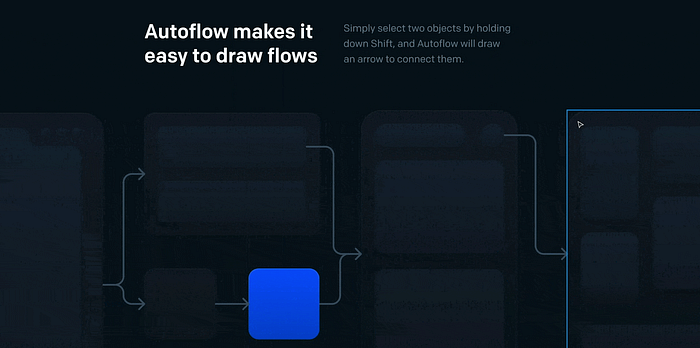
Key features:
- Auto-update on moving
- Multiple terminal styles
- Free for up to 50 flows per file
2. Content Real
I use this plug-in to make my wireframes look more realistic. It helps me quickly put actual information into my designs and ensure that my elements work with different data types. The info I use most is names, addresses, and avatar pictures
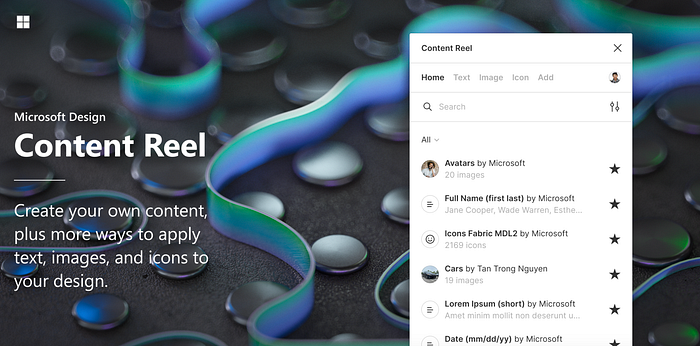
Key features:
- Applying text and content to your frames
- Upload your own content
3. Contrast
When I design, I care about making my designs work for everyone. That’s why this plug-in is so valuable to me. Good contrast in a design helps everyone understand the message. This plug-in makes checking our frames and finding contrast issues simple. Being aware of these problems is important to ensure our designs can be used by individuals with visual impairments.
Contrast is essential because it makes things easier to read and understand. This basic design rule also helps create a strong brand identity.
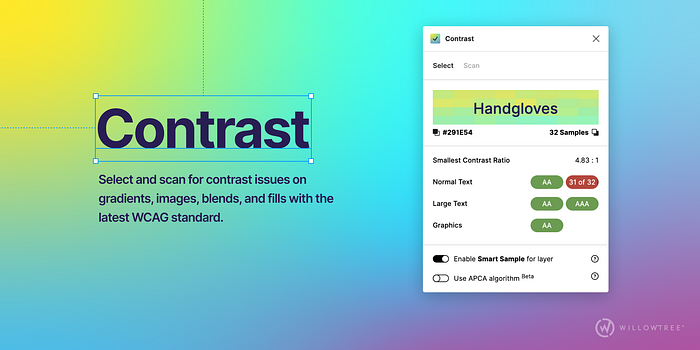
Key features:
- Select elements to find the color behind them automatically
- Works on any element, not just text
- Scan entire pages or the current selection
4. LottieFiles
I don’t typically use many animations in my projects, but sometimes I need to create small ones to enhance user engagement. In these cases, I rely on the LottieFiles Figma Plugin. It enables me to easily browse, preview, and insert Lottie animations directly into my Figma files. These animations are scalable and customizable, including options to adjust colors to align with brand guidelines. Once integrated into the design, exporting the animation to share with the development team is straightforward.
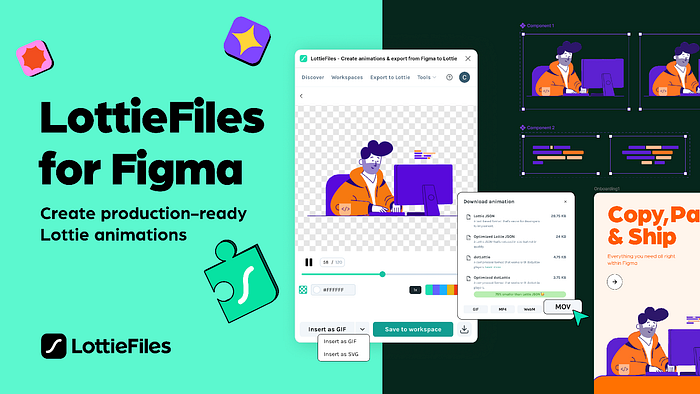
Key features:
- Extensive, fully customizable collection
- Scalable graphics with no pixelation
- Seamless animation previews
5. Mockup
I rely on Mockup — a handy tool to showcase and highlight my designs. This plug-in lets me easily pick an actual device and swiftly apply my design. It’s quite simple — choose a device, select a frame, and your design pops up on the screen. Using mockups is crucial because they provide a visual context that helps clients and stakeholders understand how the final product will look and feel.
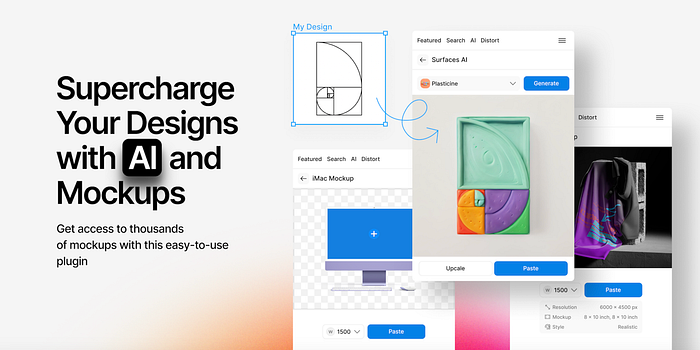
Key features:
- Large collection of different devices
- High-resolution images
- Distort (perspective) transformation
If you are new to Figma or want to grow your plug-in list, I hope my selection helps you.
Keep transforming the ordinary into extraordinary, one design at a time.